
What is Email Open Tracking?
Email open tracking works by placing a tiny image, called a tracking pixel, in your HTML email. If the recipient has turned off image loading or is using plain text email, Mailercloud won't be able to track when the email is opened.
Enable Open Tracking for All Emails
To track when all your emails are opened, enable "Open Tracking" in the domain-level settings. Simply tick the box labeled "Track email opens."
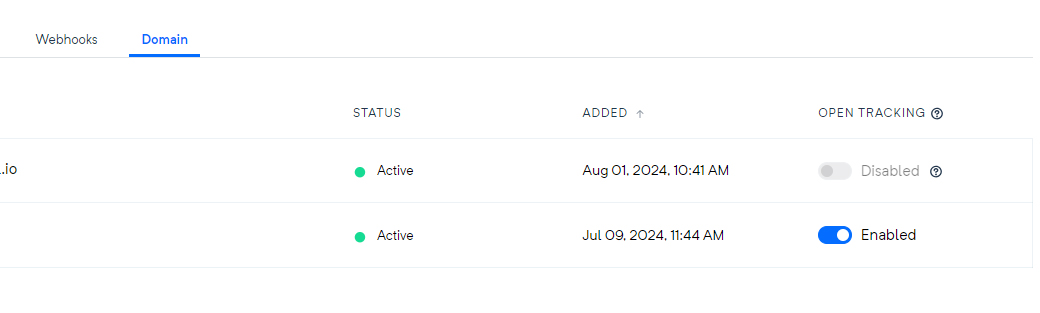
Enable or Disable Open Tracking for Individual Emails (SMTP only)
When you send through SMTP relay, you can enable or disable open tracking for each email, regardless of your domain setting. Use the mld-track-opens header in your email to do this:
Set the
mld-track-opensheader totrueto enable open tracking for a specific email, even if it's turned off for your domain.Set the
mld-track-opensheader tofalseto disable open tracking for a specific email, even if it's enabled for your domain.
Open Tracking with the Email API
Opens are tracked automatically on Email API sends when your sending domain has a tracking domain configured. The domain-level "Open Tracking" switch and the mld-track-opens header apply to SMTP relay sending only — there is no per-message open-tracking option in the Email API.
Click Tracking
Click tracking is not currently available for transactional email, through either the Email API or SMTP relay.